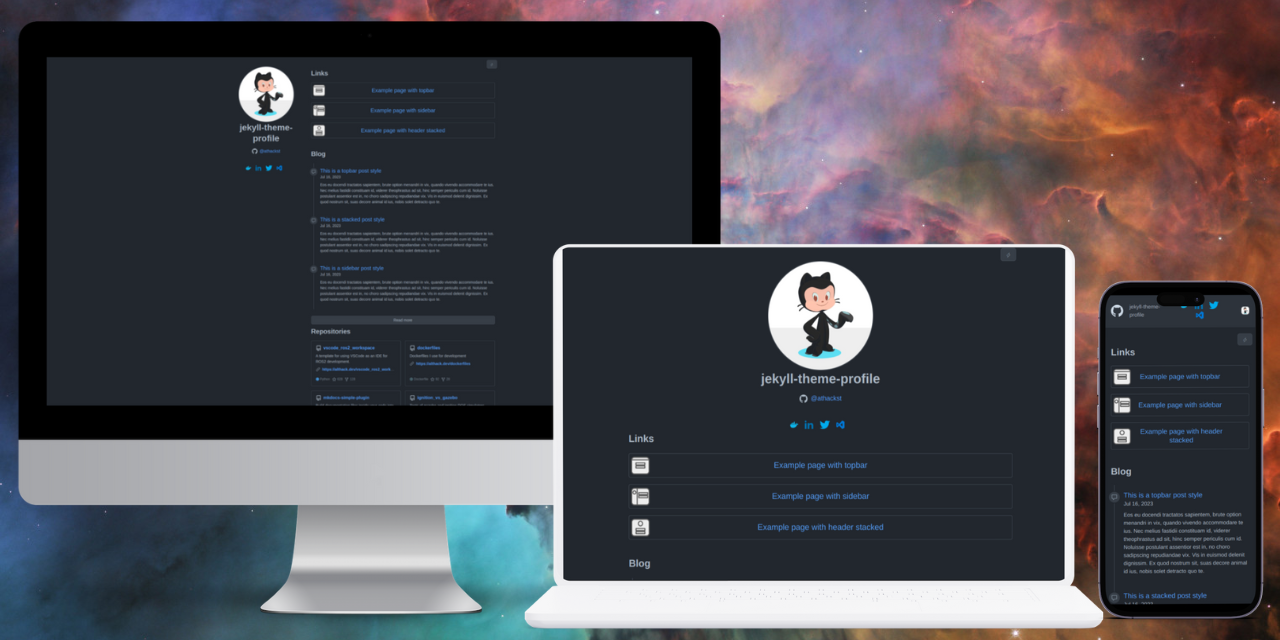
This theme is based on GitHub’s Primer style. It supports both light and dark modes, and four style options: appbar, sidebar, stacked, and topbar.
Add this line to your Jekyll site’s Gemfile:
gem "jekyll-theme-primerpages"
And then execute:
bundle install
Or install it yourself as:
gem install jekyll-theme-primerpages
And add this line to your Jekyll site’s _config.yml:
theme: jekyll-theme-primerpages
style: topbar # One of "stacked", "sidebar", "topbar", "appbar"
repository: your-user/your-repo # optional, enables repository cards and docs edit links
repo_info: true # Show the information for the source of this project
user_metadata: true # Show the metadata associated with the user
profile_link: true # Show a link to the user's GitHub profile
Or you can start with one of the template configs and copy/customize the profile that best matches your setup, including the docs-first primerpages-docs template for mixed Markdown and extracted source documentation.
Build the site and make it available on a local server
bundle exec jekyll serve

